AlphaA native Linux file manager, written in Rust
Every file, before
you finish typing
- to open a folder of 100,000 files
- 0.64s
- to search a million file names
- 7ms
- faster than Nautilus at moving 10,000 files
- 48×
How it works
What happens when you open a folder
Three parts of EchoFiles do the work, all of them native code: the core reads the disk, the index answers searches, the window draws the result. Point at one to look closer.
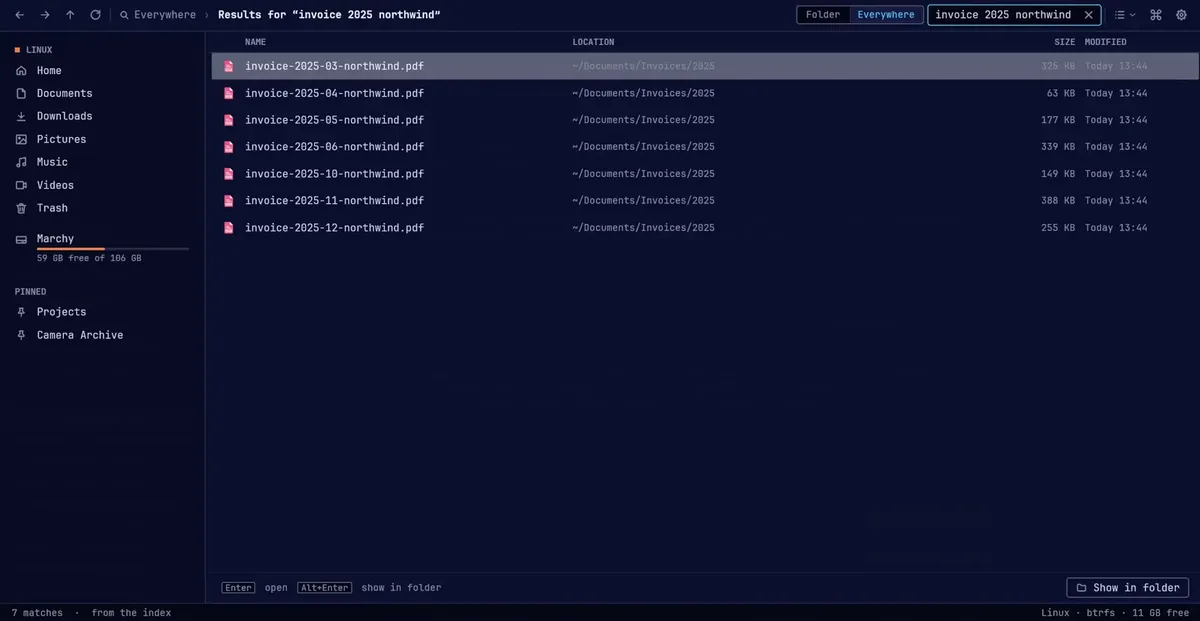
- 01
The window
Drawn on your GPU. Scroll through 100,000 rows at a steady 60 frames a second.
60fps
- 02
The index
A million file names indexed, read straight from disk, and kept current as files change.
185ms
- 03
The core
Rust, in parallel: 100,000 names read, sorted and given sizes and dates in about 60 ms.
60ms
The top layer is a real-time recording of EchoFiles
Speed
100,000 files on screen in 0.64 seconds
We launched EchoFiles and Nautilus on the same folders and timed each until its listing was complete. It plays at the speed it happened; drag the playhead to look at any moment.
At 0.68 s EchoFiles shows 100,000 files. Nautilus is still loading.
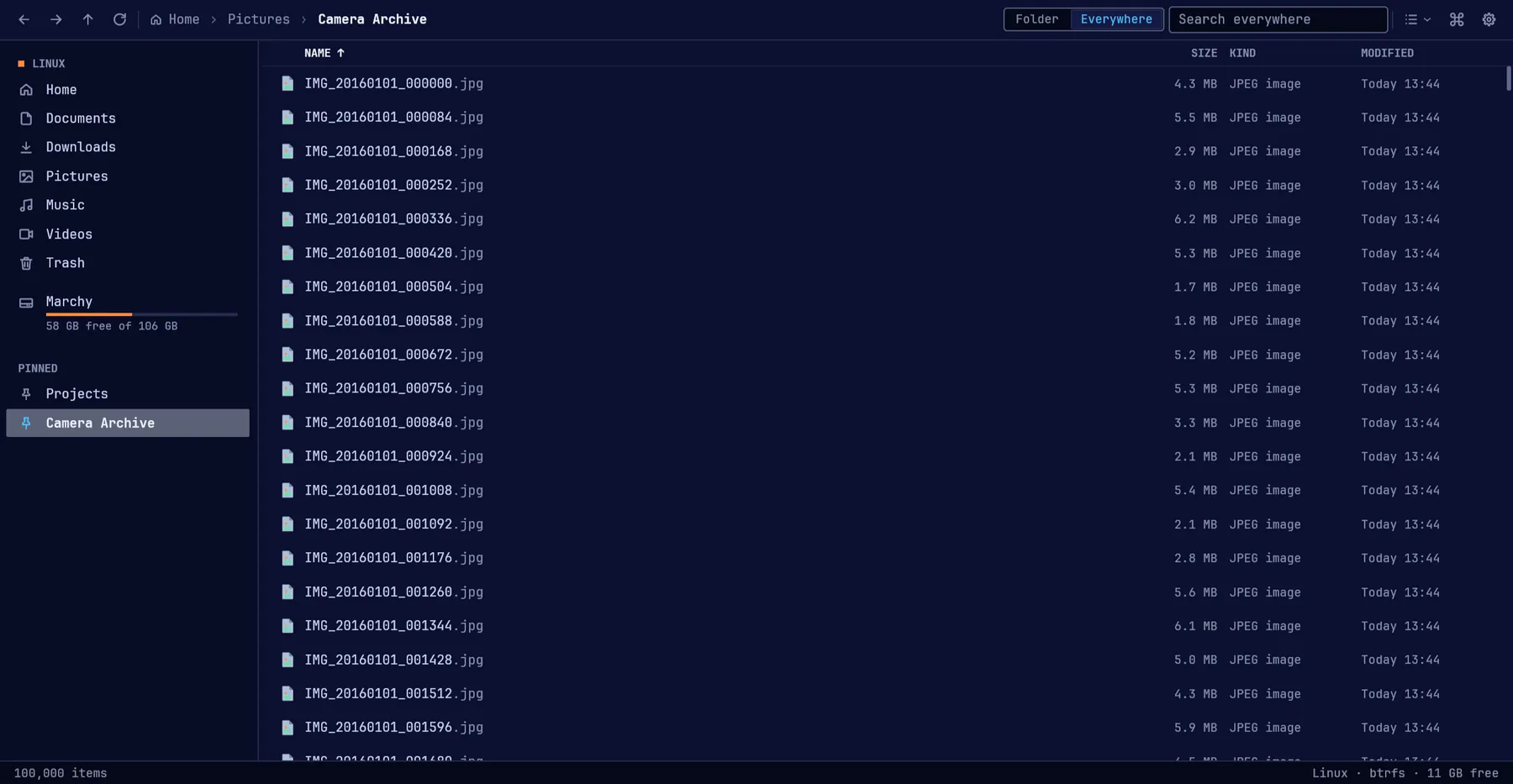
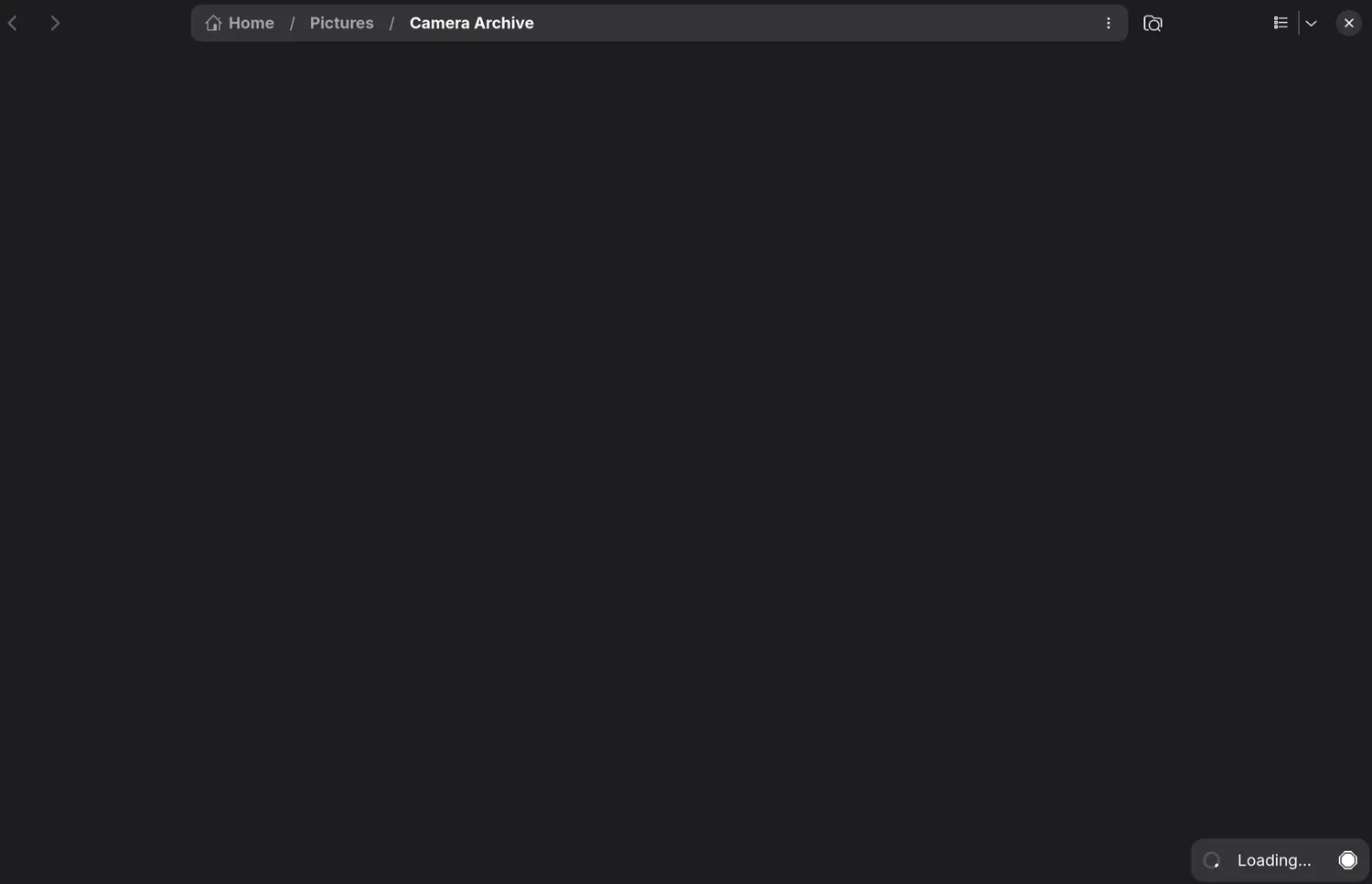
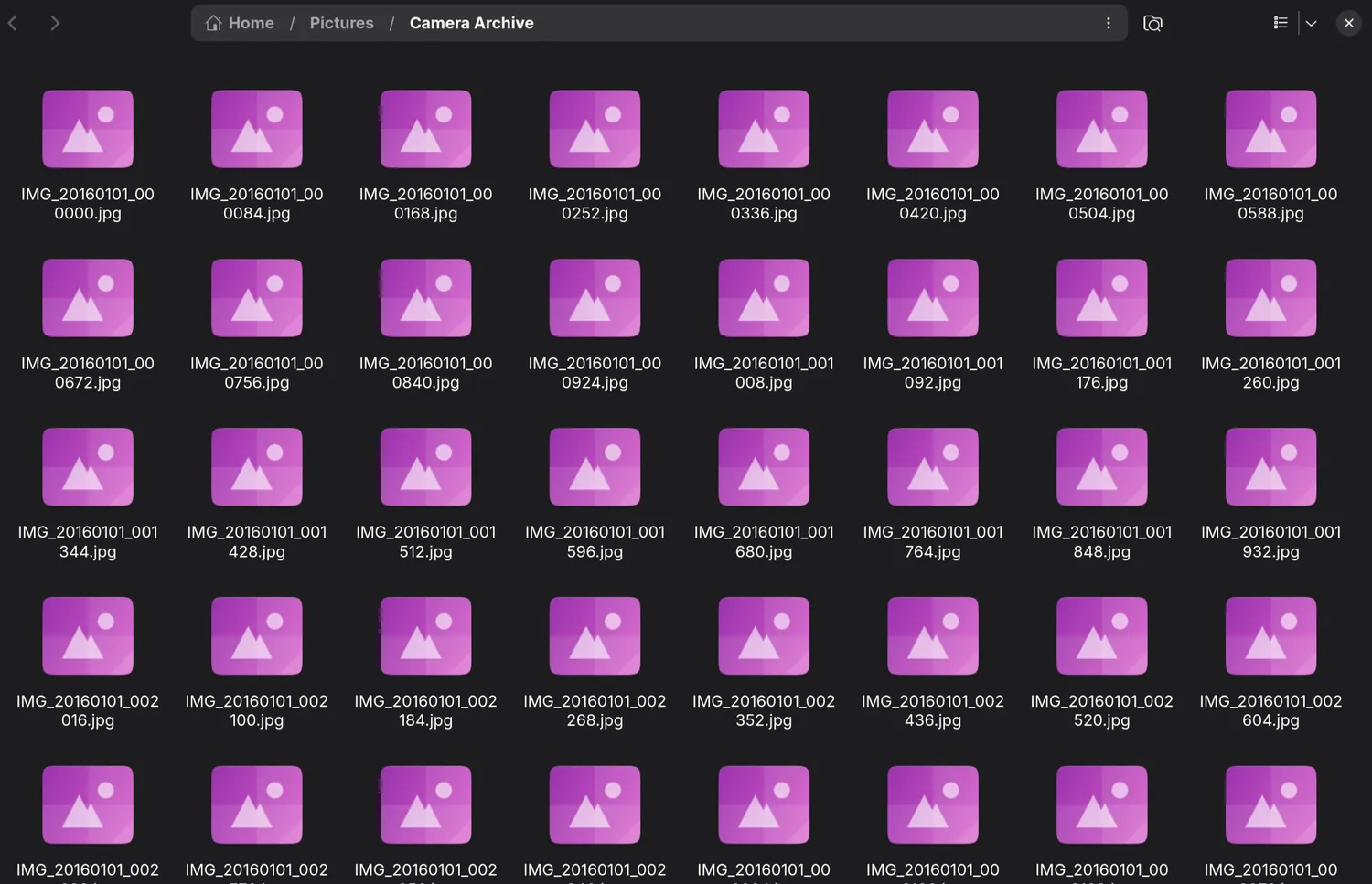
- Open a project folder
- 564 ms1.63 s
- 2.9×
- Open 10,000 files
- 575 ms1.48 s
- 2.6×
- Open 100,000 files
- 638 ms10.8 s
- 17×
- Memory, 100,000 files
- 221 MB416 MB
- 1.9×
- First launch to first search
- 290 ms
- Search a million names
- 7.3 ms
File work
Move 10,000 photos in 0.62 seconds
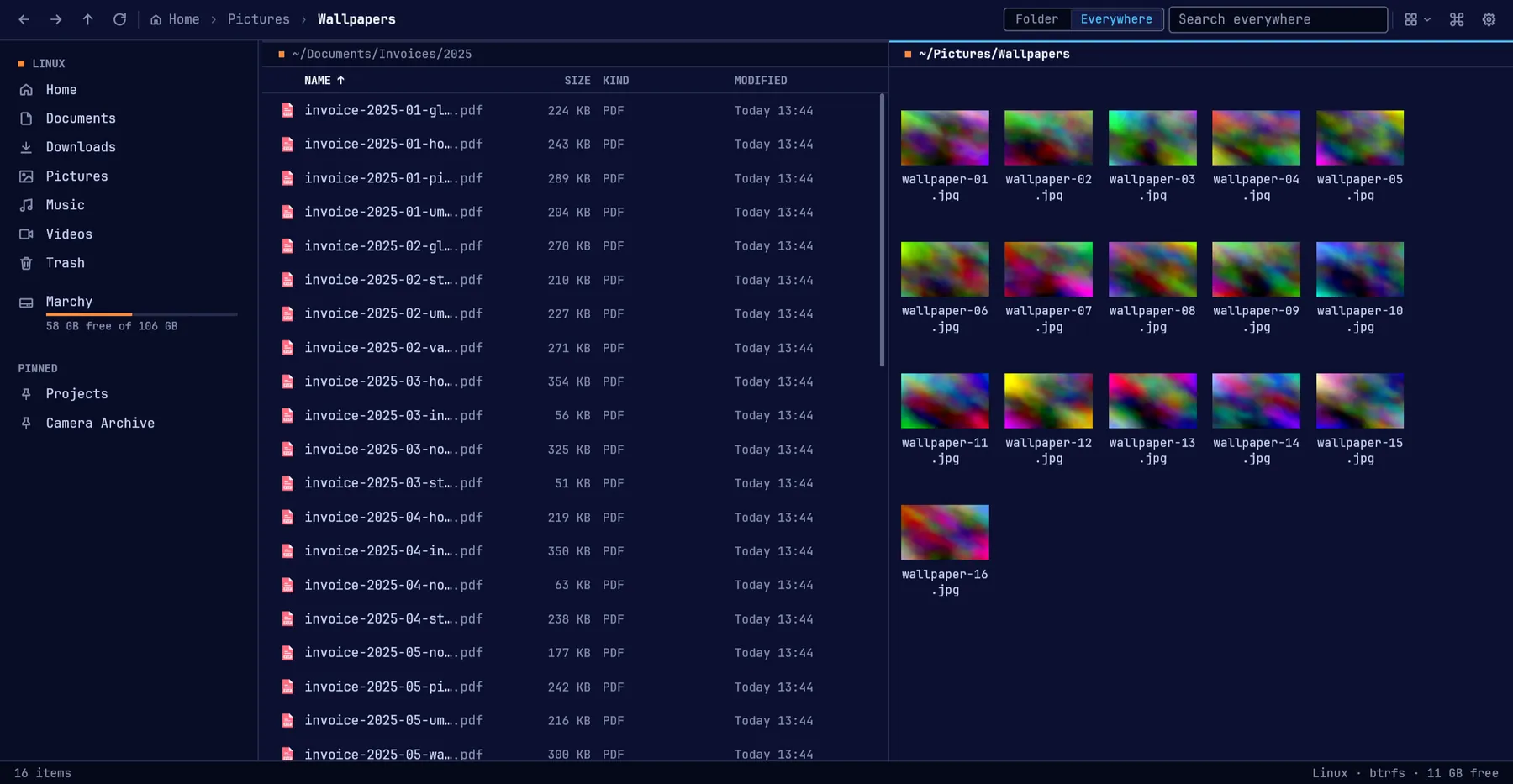
EchoFiles plans a whole batch before it starts, runs it in one pass, and keeps it undoable. These are the measured times; press the button to watch the EchoFiles side.
Ready10,000 selected
From the left pane into the right one
48× faster to move the same 10,000 files.
The everyday parts
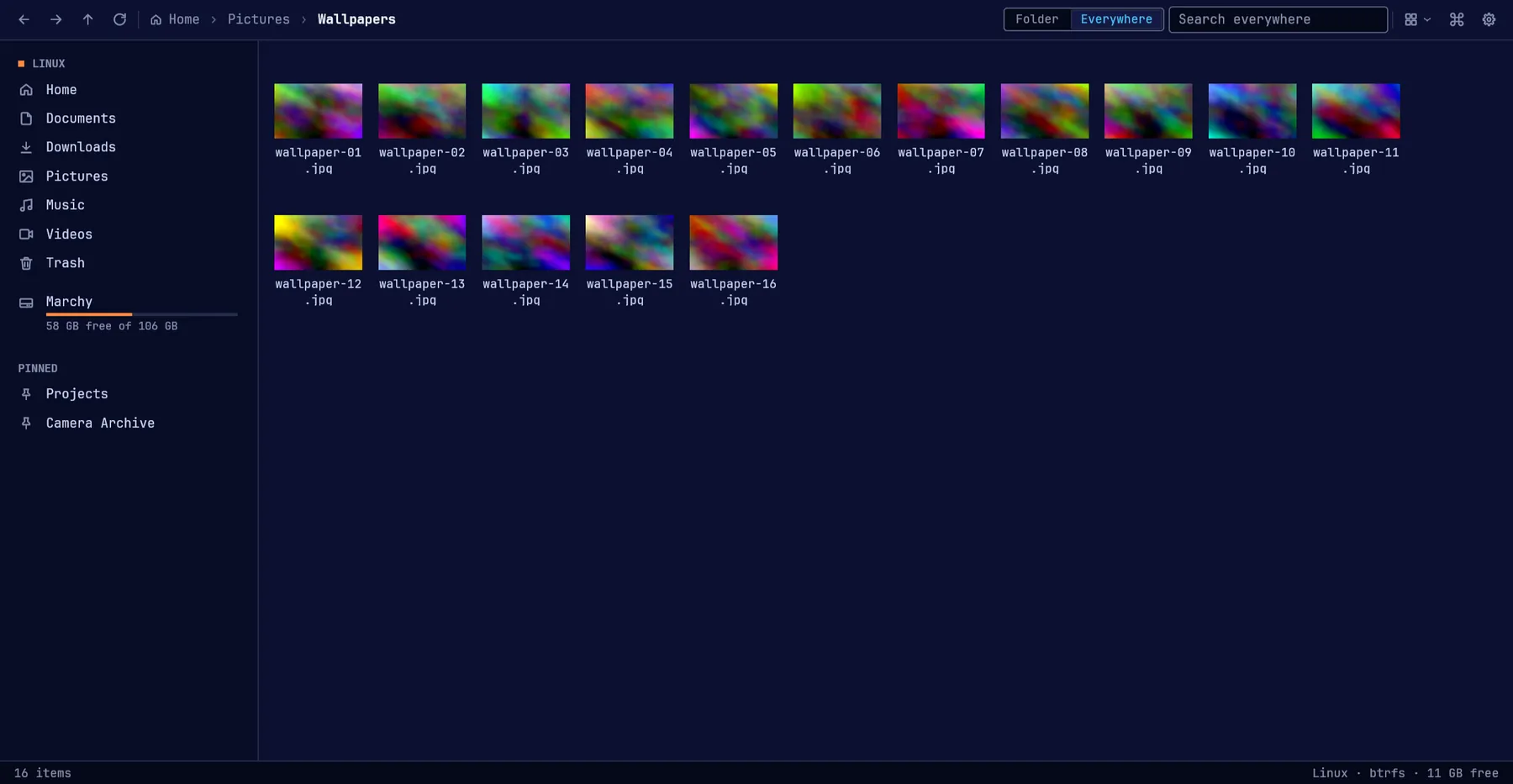
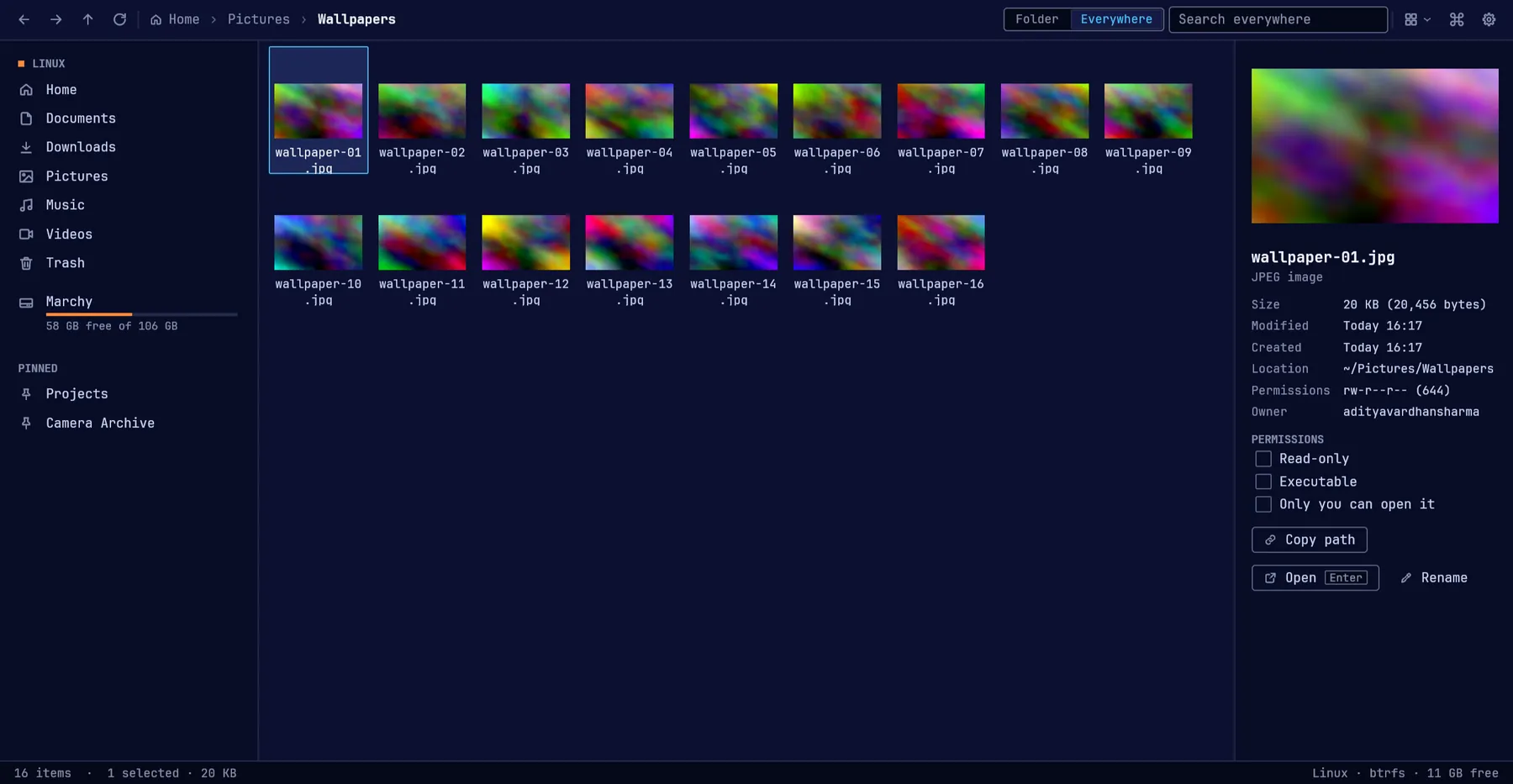
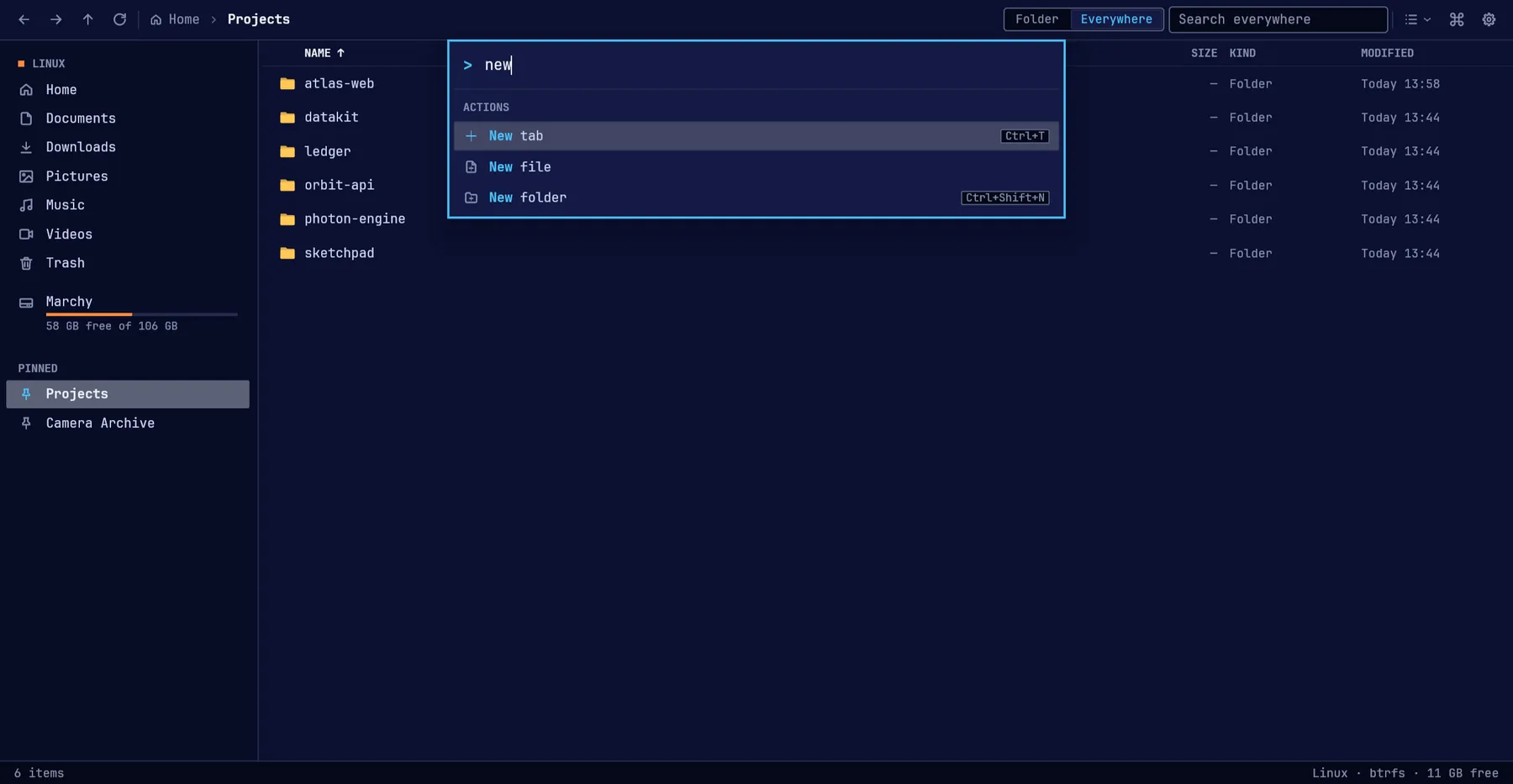
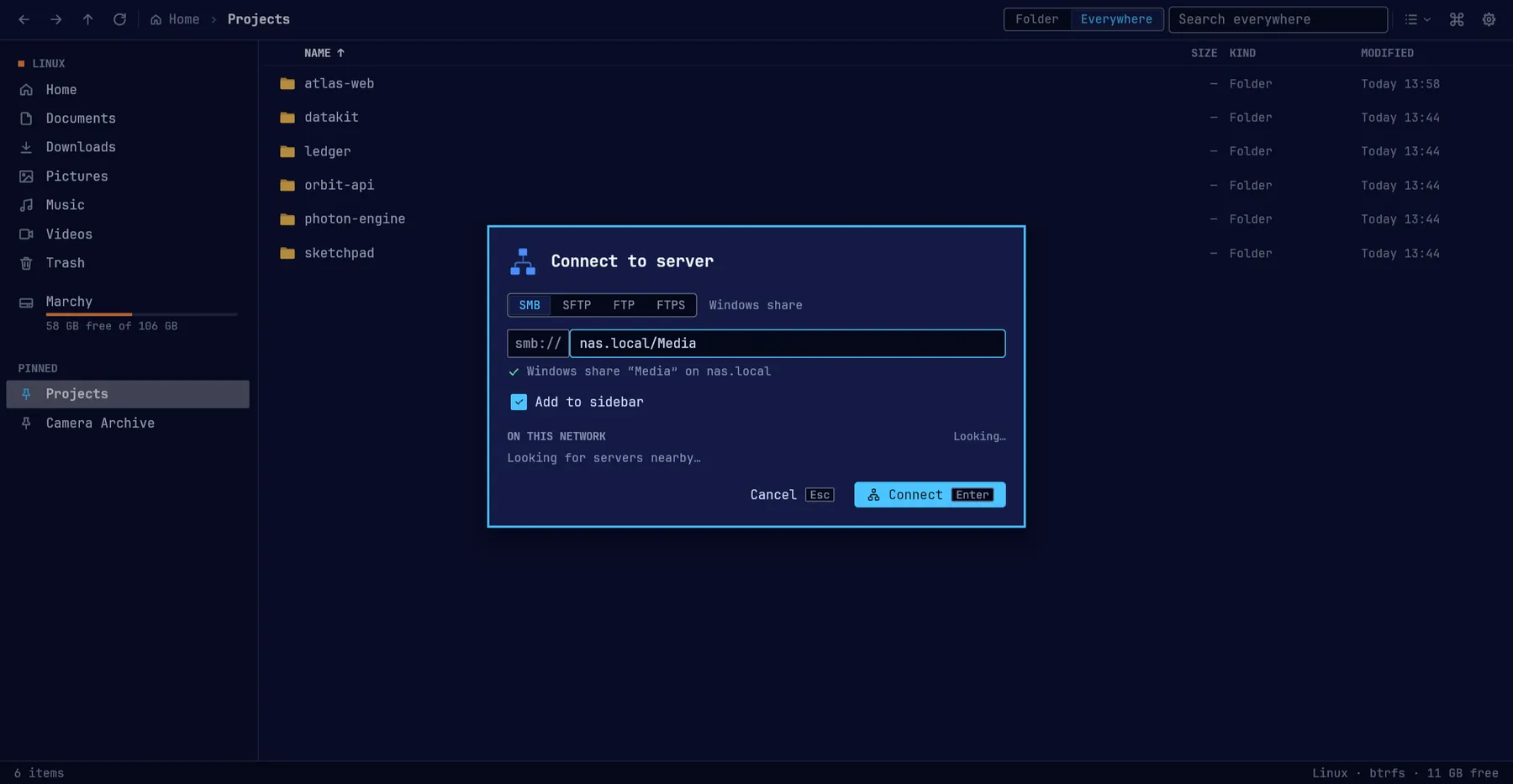
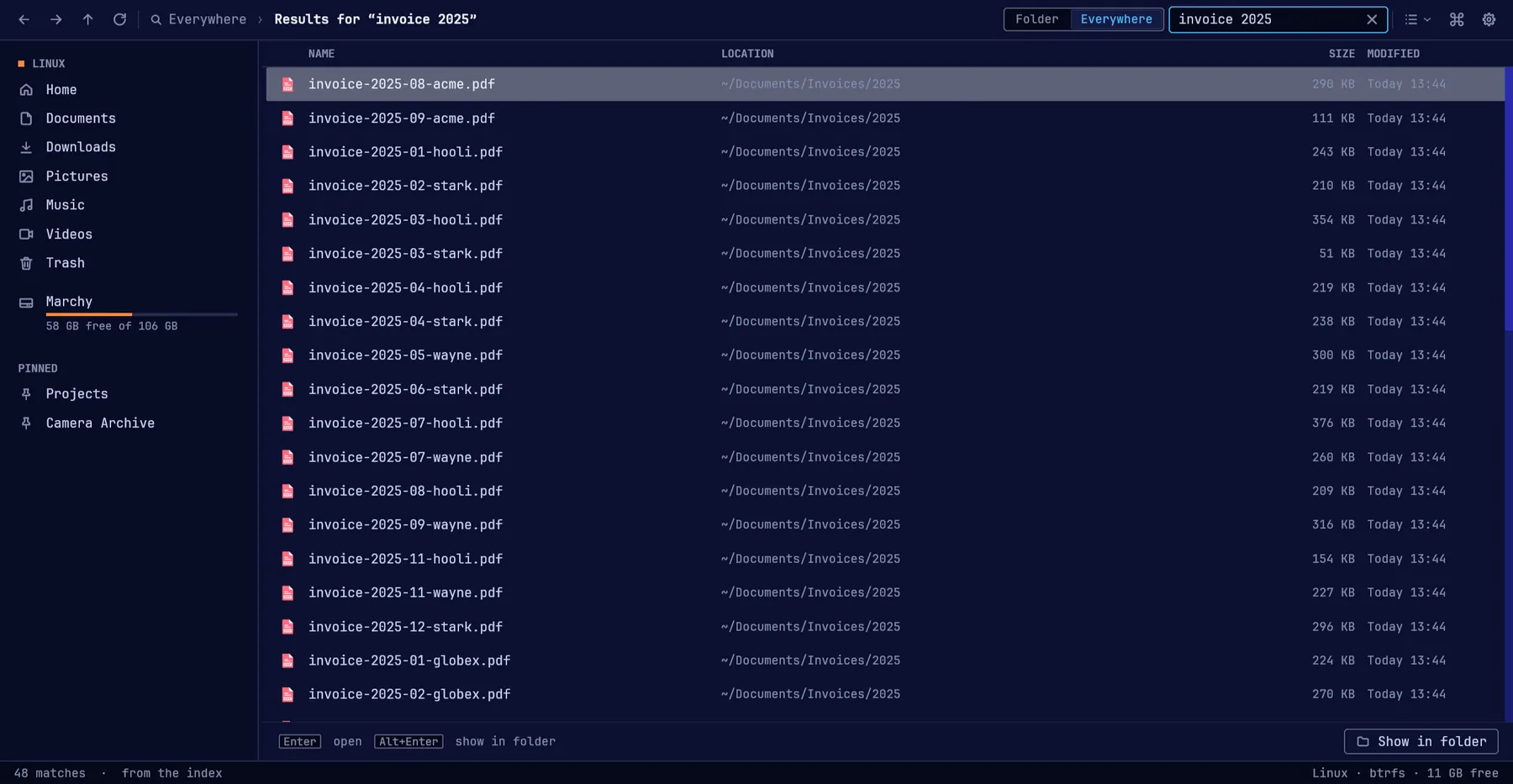
Screenshots of EchoFiles, not mock-ups
ef, ships with EchoFiles
Give your coding agent a file index
ef is EchoFiles’ search on the command line, built for agents first: answers in
milliseconds, JSON that fits a context window, and a reason when a file is missing.
“invoice 2025 northwind” across 101,578 files, timed as a whole command
- ef against fd
- 4.1 ms118 ms
- 29×
- ef against find
- 4.1 ms123 ms
- 30×
ef find reportef fd -e pdf northwindef why ~/Projects/atlas-web/node_modules/react/index.jsef find invoceef find invoice --json --budget 300ef find tax --sort modified -n 3Turn it on in EchoFiles → Settings → AI agents. The same switch adds the agent skill, so your coding agent reaches for ef instead of find. Nothing leaves the machine.
EchoConnect for Android
Your phone, inside the file manager
EchoConnect is EchoFiles’ Android companion. Pair once, and the phone’s files, photos, clipboard, notifications and calls belong to your laptop. No account, no cloud in between.
Pair. Scan the code once. The laptop’s certificate is pinned, so no other machine can pose as it.
Better than KDE Connect, because it is part of EchoFiles.
KDE Connect bolts a phone onto any desktop. EchoConnect is built for one file manager, so the phone gets the same speed, search and look as everything else in it.
Scan to put EchoConnect on your phone
Version 0.0.1, a pre-release for Android 10 and newer. Some features are still being finished.
Install
Install EchoFiles
EchoFiles is in alpha. Direct downloads coming soon. For now, install from source. It builds for your user, with no sudo.
- 1Get the source
git clone https://github.com/adityavardhansharma/EchoFiles_Linux.git && cd EchoFiles_Linux - 2Install the build tools
omarchy pkg add rust pkgconf fontconfig libxkbcommon wayland libx11 libxcursor libxi libxrandr vulkan-icd-loaderInstall the build toolssudo pacman -S rust pkgconf fontconfig libxkbcommon wayland libx11 libxcursor libxi libxrandr vulkan-icd-loader - 3Build and install it
bash scripts/install.sh
Free and open source under GPL-3.0. Read every line on GitHub.